Standing up a Storybook from scratch with AI
A concrete how-to for the Shadcn + Storybook + Cursor flow: how to go from designs to matched, documented components without manually writing the boilerplate.
Most teams skip Storybook because writing stories by hand is tedious. That excuse is dead. An agent can scaffold the whole thing — install, configure, write stories, verify them in a browser — in an afternoon. Here's the actual flow, and the one rule that keeps it from producing garbage.
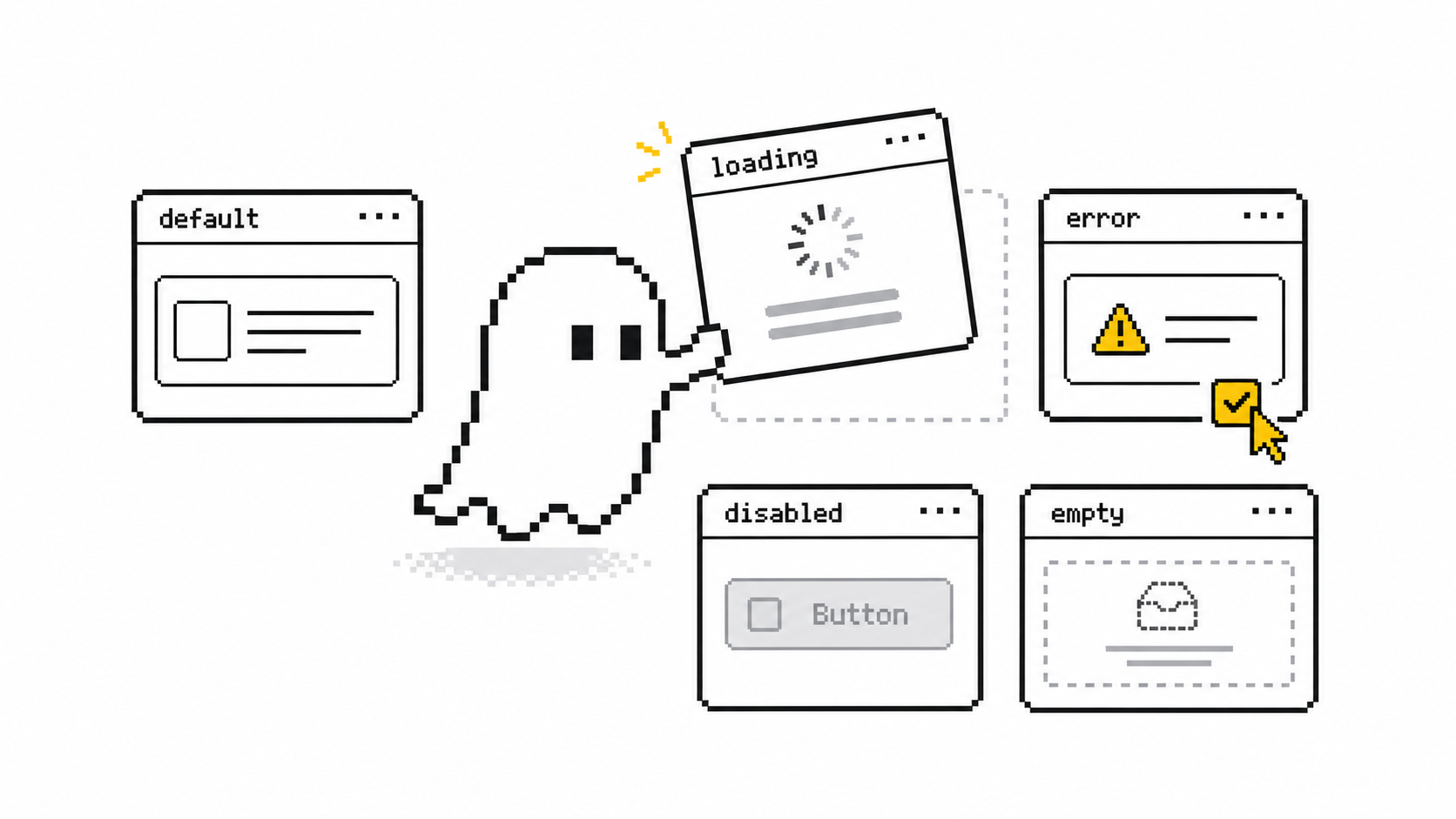
Storybook is where components live in isolation — every state, every variant, on its own, away from the app. It's the difference between "the button works on the checkout page" and "the button works." For a design system, that isolation is the product. The reason teams don't have one isn't that they doubt the value. It's that someone has to write a .stories.tsx file for every component and every state, and nobody wants to. So it never happens, and the component library stays a folder of code with no front door.
That bottleneck — the boilerplate — is exactly what agents are good at. The job splits cleanly: the agent generates, the browser verifies. Cursor (or any coding agent) writes the component and its stories; Storybook renders them so you can see what's real. Newer setups close the loop entirely — the agent opens Storybook in a browser, navigates the component, screenshots the rendered states, and self-corrects from what it actually sees instead of what it hoped it wrote.
Here's the flow, phase by phase.
1. Scaffold Storybook with the CLI, not by hand. Run the Storybook init in your project and let it detect your framework. Modern setups offer an agentic install: the tool analyzes your project and produces step-by-step instructions an agent follows to add Storybook, configure the preview, and wire up your styling. Don't fight the config. Let it generate, then read what it did.
2. Get shadcn/ui rendering correctly first. This is the step people skip and then wonder why every story looks unstyled. shadcn components depend on your Tailwind layer and CSS variables. Import your global stylesheet into Storybook's preview file so the same tokens load in the canvas as in your app. Verify one component — a Button — renders with correct colors before you generate fifty. If your tokens aren't wired, the agent will happily produce fifty broken stories.
3. Generate stories from the component, with the states named explicitly. Point the agent at a component and ask for stories covering each state: default, hover, loading, disabled, error — plus the edges it'll otherwise forget, like a label long enough to wrap and a high-contrast mode for accessibility. AI-generated stories routinely include prop combinations and edge cases a human would skip; that's the upside. Tell it the states you care about so coverage is yours, not the model's default set.
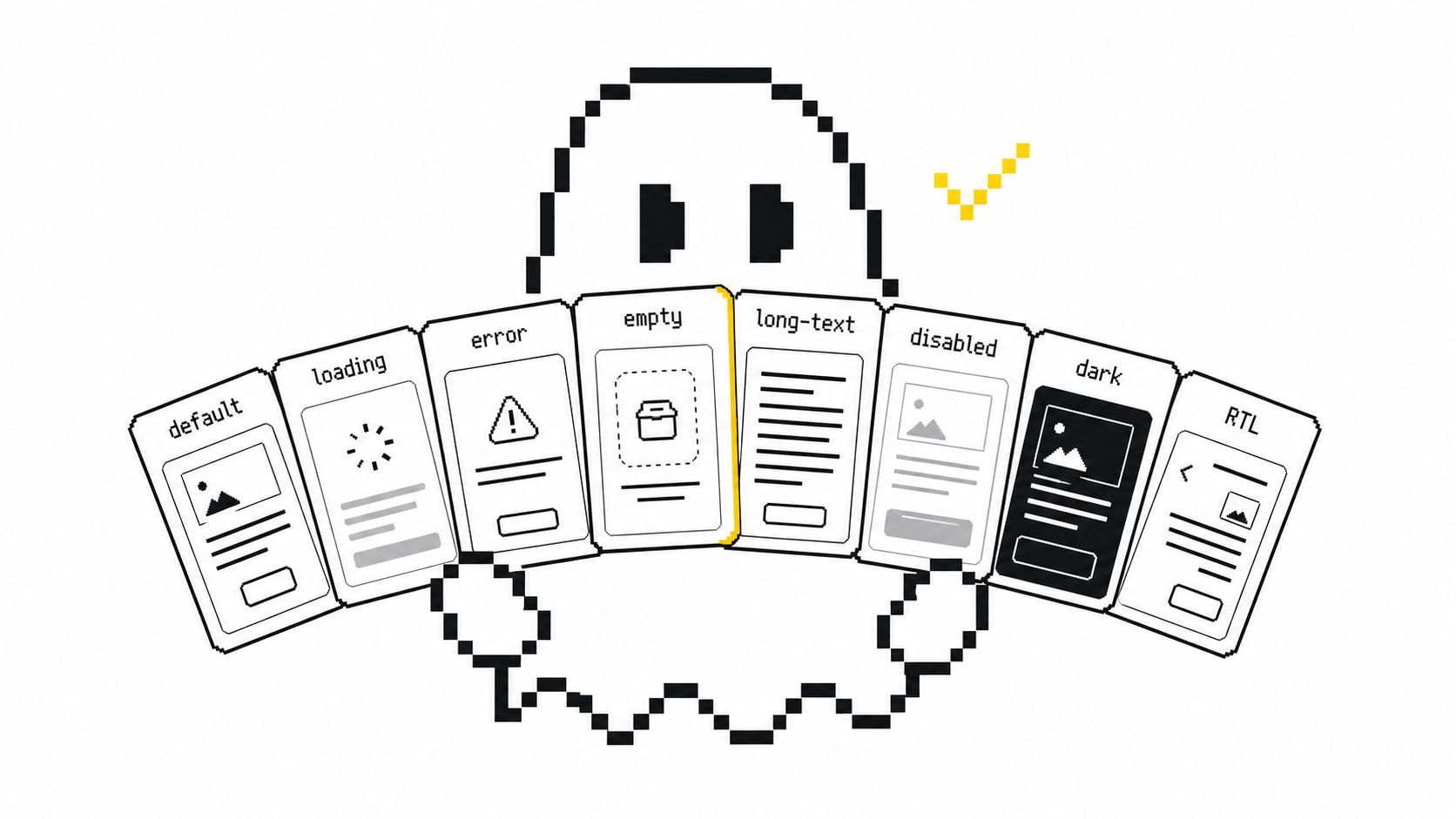
4. Let the agent see its own output. The whole reason this works now is the feedback loop. If your agent can drive a browser, have it open the rendered story, screenshot it, and compare against the intended design. If it can't, you are the loop — open Storybook and eyeball each variant. Either way, generation without verification is how you ship a story that compiles and looks wrong.
5. Auto-document, then connect it as a source of truth. Storybook generates docs from the component — props, usage, live examples — so the library gets a readable front door for free. Teams report this saves 30–45 minutes per component and produces roughly 2x more thorough documentation than people write by hand. The deeper unlock: once stories exist, expose them to your agent (via the Storybook MCP server) so future UI gets built against your real components instead of generic ones the model invents. The design system stops being a folder and becomes the thing the agent reaches for first.
So what does getting this right look like? The non-negotiable rule: the agent generates, but rendered output is the only proof. A story that typechecks is not a story that's correct. Every component gets eyes — yours or the agent's screenshots — before it counts. Skip that and you've automated the production of plausible-looking wrong, which is worse than no stories at all because now you trust them.
Try this today. Pick one component you already have. Init Storybook, wire your global styles into the preview, and have your agent write stories for every state you can name — then render each one and find the one that's wrong (there's always one). That single loop, done once, is the whole workflow. Repeat it across your library and you'll have a documented design system by the end of the week instead of "someday."
Sources
- Rapid Frontend Prototyping with AI, Cursor & Storybook — UXPin
- Using Storybook with AI — Storybook docs
- How to Use Shadcn with Storybook: Full Guide — Polipo
- Crafting Reusable UI Components with Storybook and shadcn/UI — Systechra
- Supercharging Design Systems: An AI-Powered Storybook Generator — Zencity Engineering